
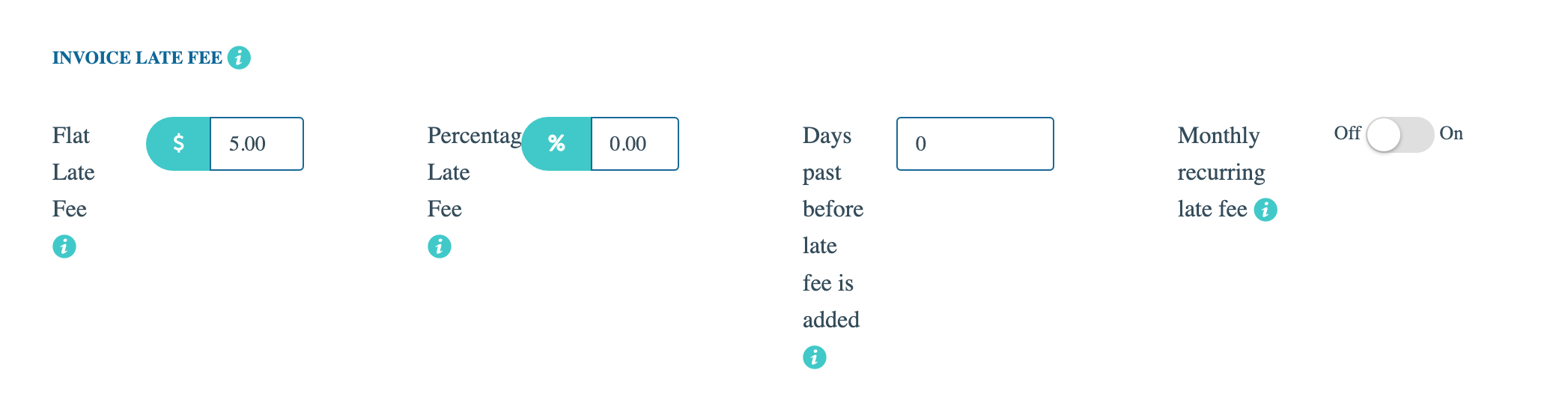
In this section, you may add late fees automatically to each invoice. Choose whether you'd like to add a flat fee to the invoice or a percentage of the total as the late fee amount. If both are set, the flat fee is used. Next, enter the number of days to pass before the late fee is added to the invoice. For example: If you enter "10", the late fee will automatically be added to the invoice once more than 10 days have passed since it was first sent to the customer (so on day 11). Finally, if the Monthly recurring late fee option is switched "ON", one more late fee of the same amount will be added to the invoice once a month until it's paid.
For more information, see: Late Fees