
Secondary emails and phone numbers for customer notifications
Customer accounts support both secondary emails and secondary phone numbers for notifications.
Secondary Emails

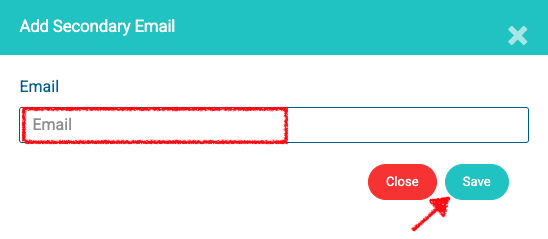
Remove Secondary Emails
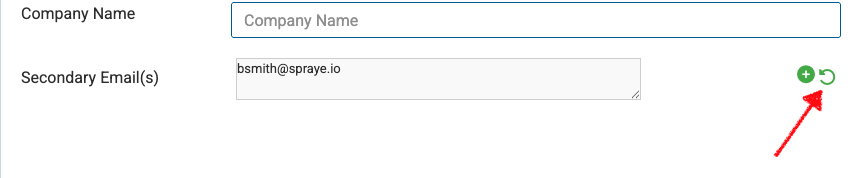
To reset the Secondary Email(s) field and remove all of them click the green circle arrow.
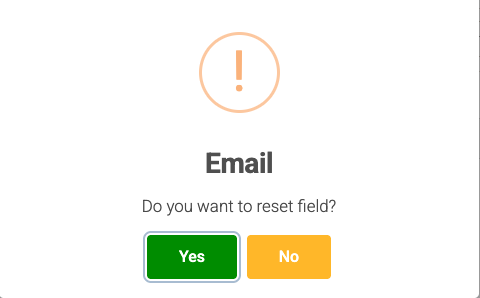
Confirm by clicking Yes.
Secondary Phone Numbers
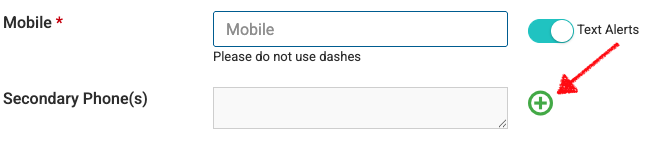
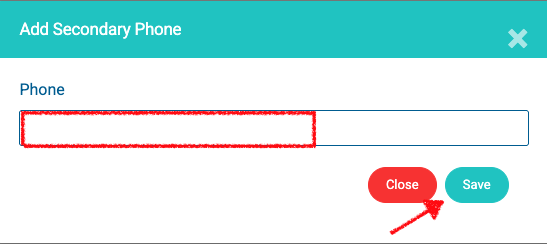
Remove Secondary Phone Numbers
To reset the Secondary Phone(s) field and remove all of them click the green circle arrow.

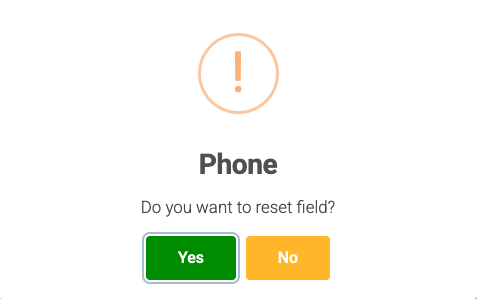
Confirm by clicking Yes.
After adding any secondary emails or phone numbers make sure to click on the "Save" button at the bottom of the page to save the changes.
Any secondary emails and secondary phone numbers can receive the same types of notifications as the primary email and primary number, including notifications such as:
- Billing text messages
- Pre-service text messages
- Post-service text messages
- Other customer notification texts, depending on your notification settings
This is useful when more than one person needs to receive customer updates. For example, both spouses, a property manager and owner, or an office contact and field contact may need to receive the same notifications.